Last updated · Written by the RecordingToText team · How we work
MP3 is the most common audio format there is: podcasts, call recordings, downloaded lectures and exports from almost every recorder app. Converting an MP3 to text used to mean hours of pausing and typing. Here it takes one upload.
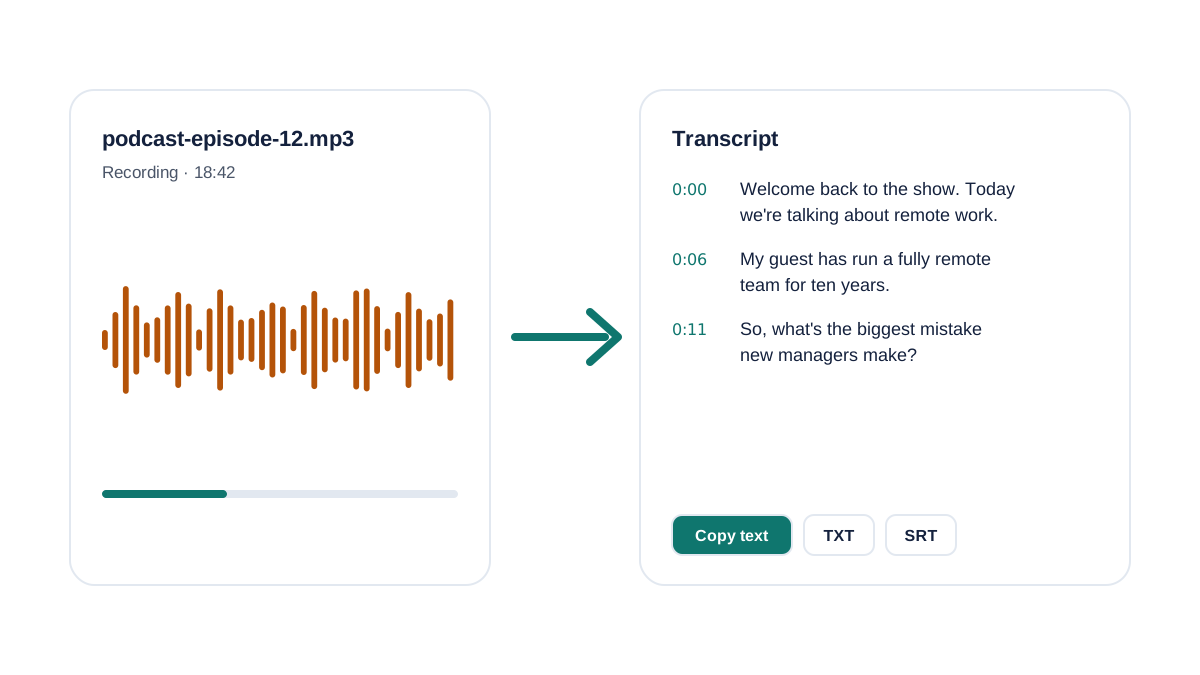
Your browser decodes the MP3 locally, converts it to compact speech audio and sends only that for transcription. The text streams in as each part is finished, with timestamps you can click to replay the exact moment.
How to convert mp3 to text
- Choose your MP3. Click Choose file or drag the MP3 into the box. Files up to 30 minutes and 200 MB are free.
- Wait a minute or two. The MP3 is decoded on your device and transcribed in parts; text appears as it's ready.
- Copy or download. Copy the transcript, or download it as TXT or SRT subtitles.
Tips for a better MP3 transcript
The speech engine handles most MP3s well, but a few things make a real difference:
- Bitrate barely matters: 64 kbps mono speech transcribes as well as 320 kbps music-quality audio. Don't re-encode just to make it bigger.
- Trim long intros, music beds and hold music first; they cost free minutes and can confuse language detection.
- If the MP3 is longer than 30 minutes, split it in any audio editor, or use Premium for files up to 10 hours.
- Pick the language manually if the first minute is music or another language.
What people convert from MP3 to text
Podcast episodes for show notes and SEO, recorded phone or Zoom calls for notes, university lectures for study guides, and interviews for quotes. For subtitles, the SRT download gives you timed captions you can import into YouTube, Premiere, CapCut or DaVinci Resolve.
Need more than 30 minutes?
Free covers 3 files a day of up to 30 minutes. Premium handles files up to 10 hours, labels speakers and exports DOCX, PDF and subtitles.
Frequently asked questions
How do I convert an MP3 to text for free?
Drop the MP3 into the box on this page. You'll get a timestamped transcript you can copy or download as TXT, free for files up to 30 minutes, 3 files a day, with no signup.
Is there a size limit for MP3 files?
Free files can be up to 200 MB and 30 minutes long. Premium accepts files up to 5 GB and 10 hours.
Does converting MP3 to text work on iPhone?
Yes. Open this page in Safari, tap Choose file and pick the MP3 from the Files app.
Is my MP3 uploaded?
The MP3 itself never leaves your device. Your browser converts it to compact speech audio, and only that is sent for transcription and deleted immediately after.
Related tools
- Transcribe audio recording to text: the main free transcriber
- Voice memo to text