Last updated · Written by the RecordingToText team · How we work
Most videos worth transcribing are already on your phone or laptop: a Zoom recording, a lecture capture, a TikTok or Reel you are captioning, an interview filmed on a phone. Uploading a 1 GB video to a website just to get the words out of it is slow and, for private recordings, uncomfortable.
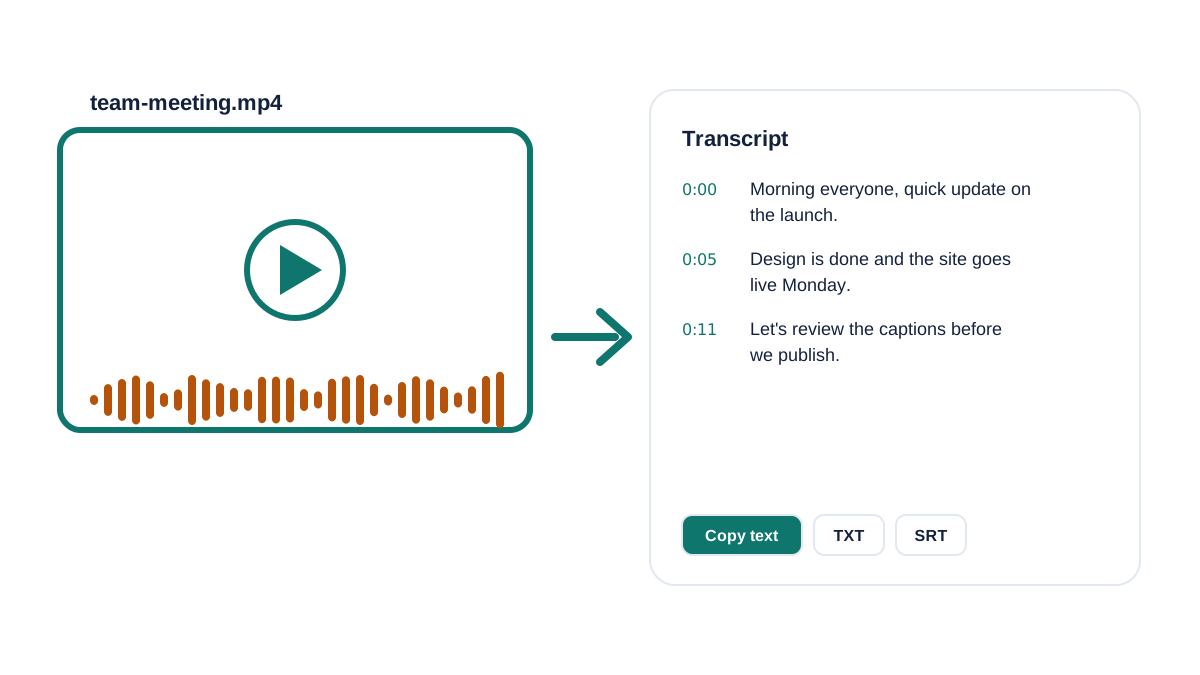
This tool does it differently. Your browser reads the video locally, pulls out only the audio track and converts it to compact speech audio. Only that audio is transcribed, so a 500 MB video becomes a few megabytes, and the video itself is never uploaded.
How to convert video to text
- Drop your video. Click Choose file or drag an MP4, MOV, WebM or M4V into the box. Free covers videos up to 30 minutes and 200 MB.
- Wait a minute or two. Your browser extracts the sound on your device; the text appears as each part is transcribed.
- Copy the text or download captions. Copy the transcript, download TXT, or download SRT captions (first 15 minutes free) for YouTube, Premiere, CapCut or DaVinci Resolve.
Video transcription tips
A few things make video transcripts faster and more accurate:
- Over 200 MB? Export just the audio (File > Export > Audio only, or Zoom's audio-only .m4a). The transcript is identical and the file is a fraction of the size.
- Screen recordings with music: pick the spoken language manually so the intro music doesn't confuse detection.
- For captions, keep lines short: the SRT file uses the natural sentence breaks from the transcript.
- iPhone videos (.mov, HEVC) work in Safari and Chrome; if one won't open, AirDrop it to a Mac or export it as MP4 first.
Video to text vs. auto-captions
YouTube, TikTok and Instagram can auto-caption your video after you publish it, but you can't easily get the full text out, and the captions only exist on that platform. A transcript gives you the words before you publish: for show notes, a blog post, a translated script, or captions you check and fix yourself.
Need more than 30 minutes?
Free covers 3 files a day of up to 30 minutes. Premium handles files up to 10 hours, labels speakers and exports DOCX, PDF and subtitles.
Frequently asked questions
How do I convert a video to text for free?
Drop the MP4 or MOV into the box on this page. You get a timestamped transcript to copy or download as TXT, free for videos up to 30 minutes, 3 a day, with no signup.
Is my video uploaded?
No. Your browser extracts the audio track locally. Only compressed audio is sent for transcription and it is deleted immediately afterwards.
Can I get subtitles from a video?
Yes. Download the SRT file after transcription. The free plan includes SRT for the first 15 minutes; Premium covers the whole video and adds VTT.
Can I transcribe a YouTube video?
Download your own video file first (for example from YouTube Studio), then drop it here. We don't fetch videos from links.
Related tools
- Transcribe audio recording to text: the main free transcriber
- MP3 to text
- Voice memo to text